Record once.
Get notes that match how you think.
Wavly is a high-fidelity recorder and editor with optional cloud AI: pick Lecture, Dictation, Voice memo, or Interview — get a searchable transcript and a summary shaped for that note.
From voice to notes.
Optional cloud transcription when you tap Transcribe — shaped for how you work.
Lecture
Concepts and chapters for class.
Dictation
Clean prose for drafts.
Voice memo
Intent and to-dos.
Interview
Quotes and speakers.
- Searchable transcript with follow-along playback
- Structured summary (takeaways, actions, decisions when they matter)
- Import audio (files / shares) and transcribe
- Google Sign-In required for transcription
- Free: 30 minutes/month. Pro: 300 minutes/month. Extra minute packs. Unused minutes do not roll over. Per-file cap 120 minutes.
Free vs Pro
Prices are set by Google Play and may vary by country. Typical US list: about $4.99/mo, $44.99/yr, and $0.99 / $1.99 minute top-ups.
Record & try AI
- Record, play, library, trim/cut
- Ads (banners / interstitials)
- 30 AI minutes/month after Google Sign-In
- Rewarded ads can unlock some editor tools temporarily (does not remove ads)
No ads, more minutes
- No ads
- 300 AI minutes/month + top-ups
- Google Drive backup
- Transcript Q&A (limited questions per recording)
- Full editor tools
Designed for Every Audio Detail
Record and edit locally — then optionally turn voice into notes with cloud AI.
Lossless High-Fidelity Capture
Capture uncompressed voice notes, podcasts, meetings, and musical performances with ultra-precise sample rates and dynamic amplitude metering.
Precision Visual Trimmer
Cut, trim, and edit unwanted silence or sections directly on the visual waveform display with frame-by-frame accuracy.
Background Service Capture
Record discreetly in the background while multitasking, with complete control via floating lock-screen controls.
Google Drive Backup (Pro)
Optionally back up audio and encrypted transcript sidecars to a Wavly folder in
your Google Drive. Uses drive.file only — not full Drive access. Core
recording works without Drive.
Yours by Default
Recordings stay on your phone unless you tap Transcribe (upload for Google Gemini via Wavly’s cloud) or enable Drive. See the Privacy Policy.
Audio Editor
Trim and cut for free. Denoise, speed, append, and export are gated by Pro or a rewarded ad.
Explore Every Screen
Swipe to view the app in realistic smartphone frames.
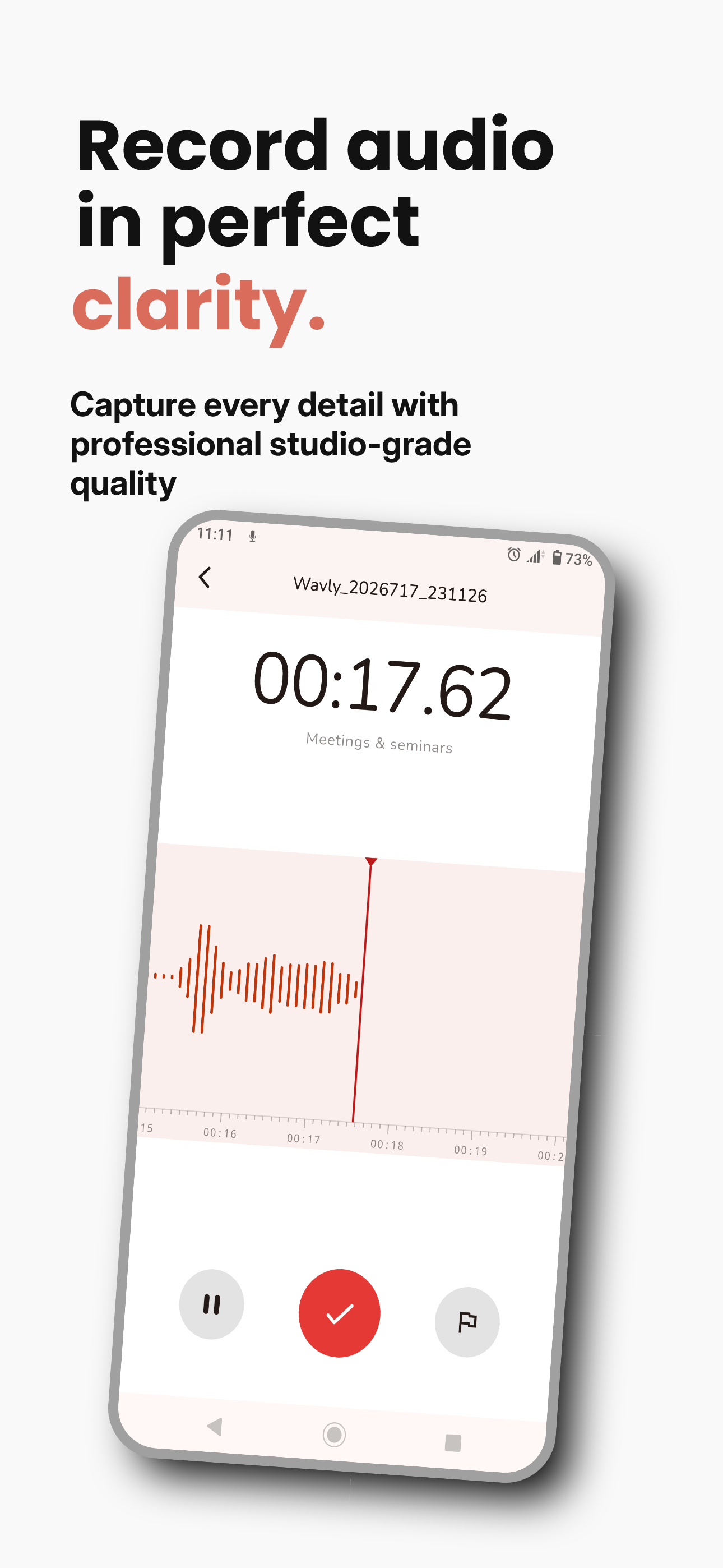
Recorder Screen
Real-time waveform visualizer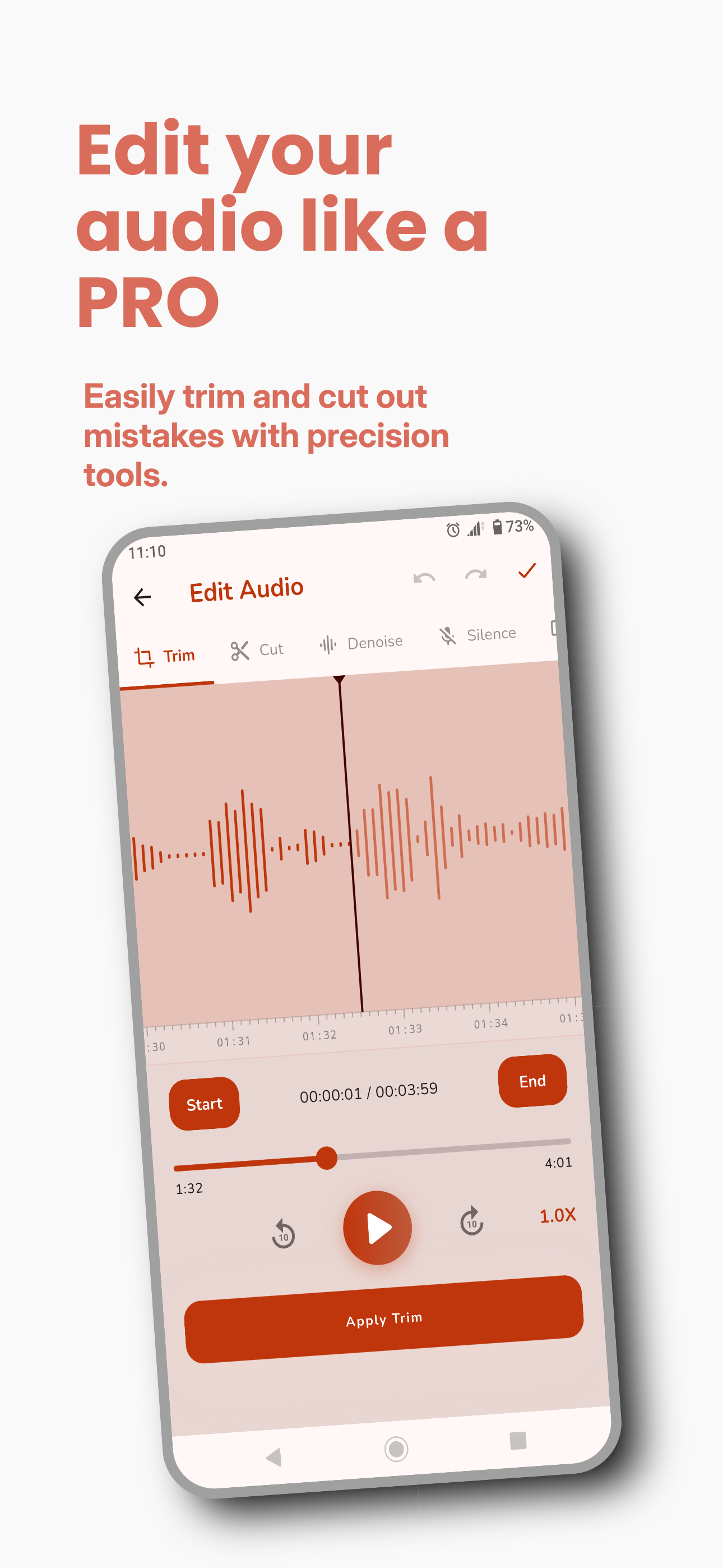
Recordings Library
Search titles and transcript text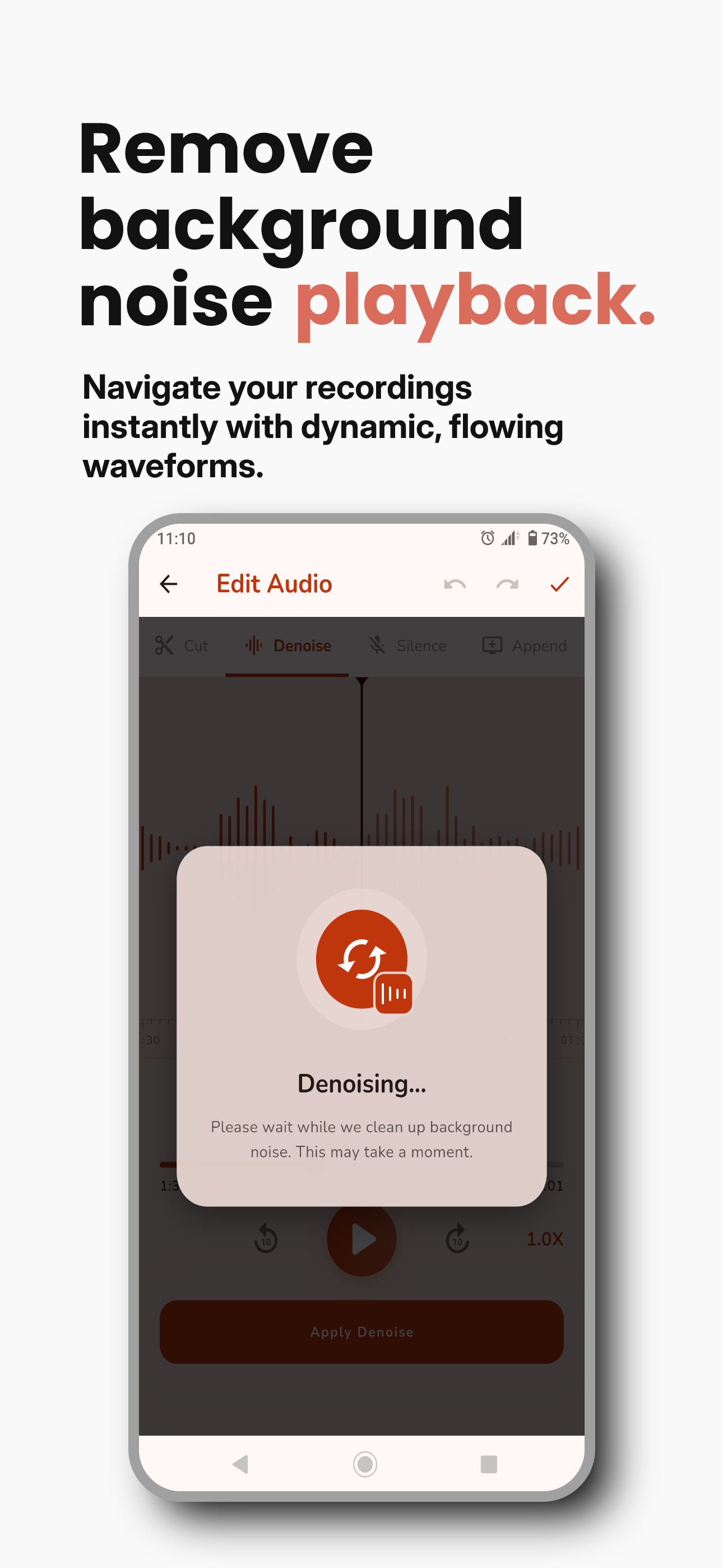
Audio Editor
Precision waveform cutter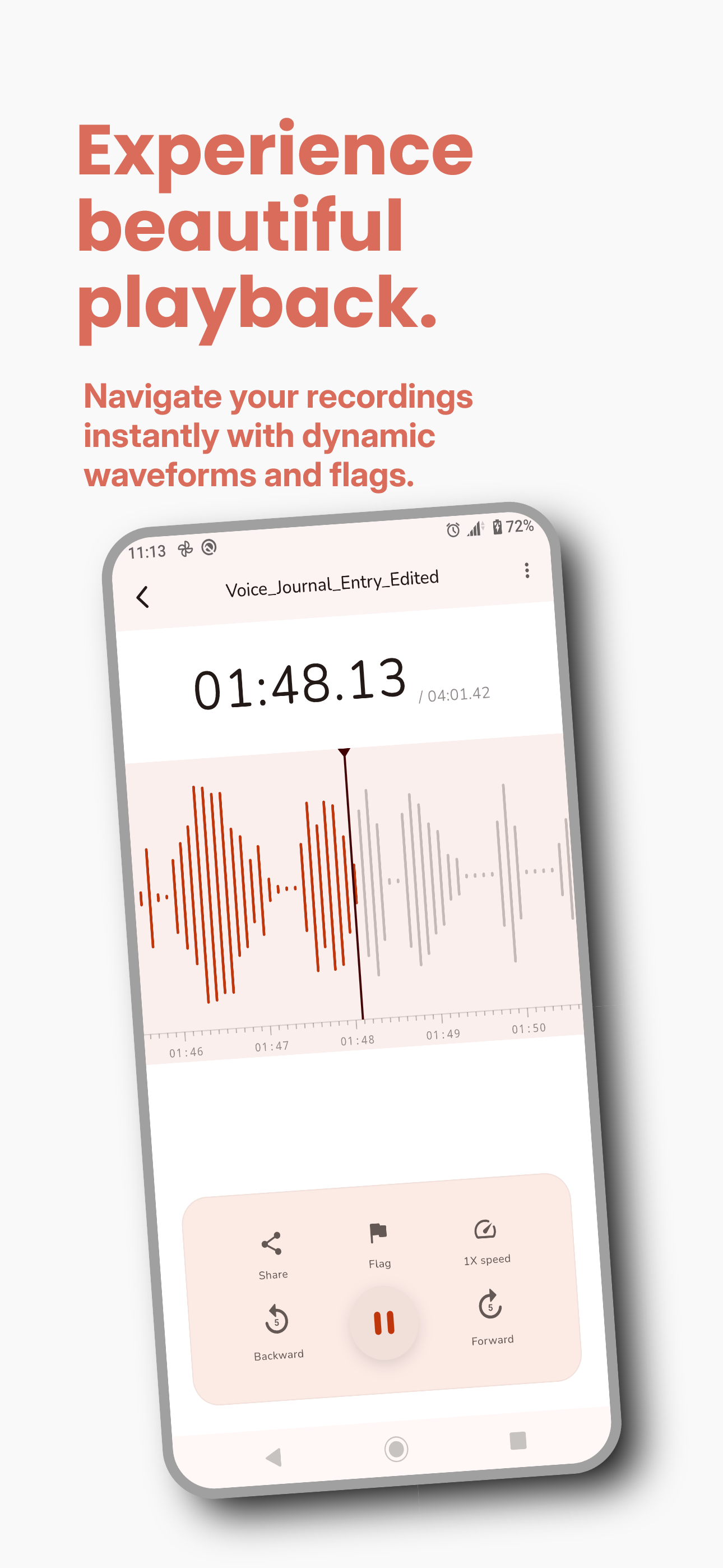
Cloud Backup
Pro Drive backup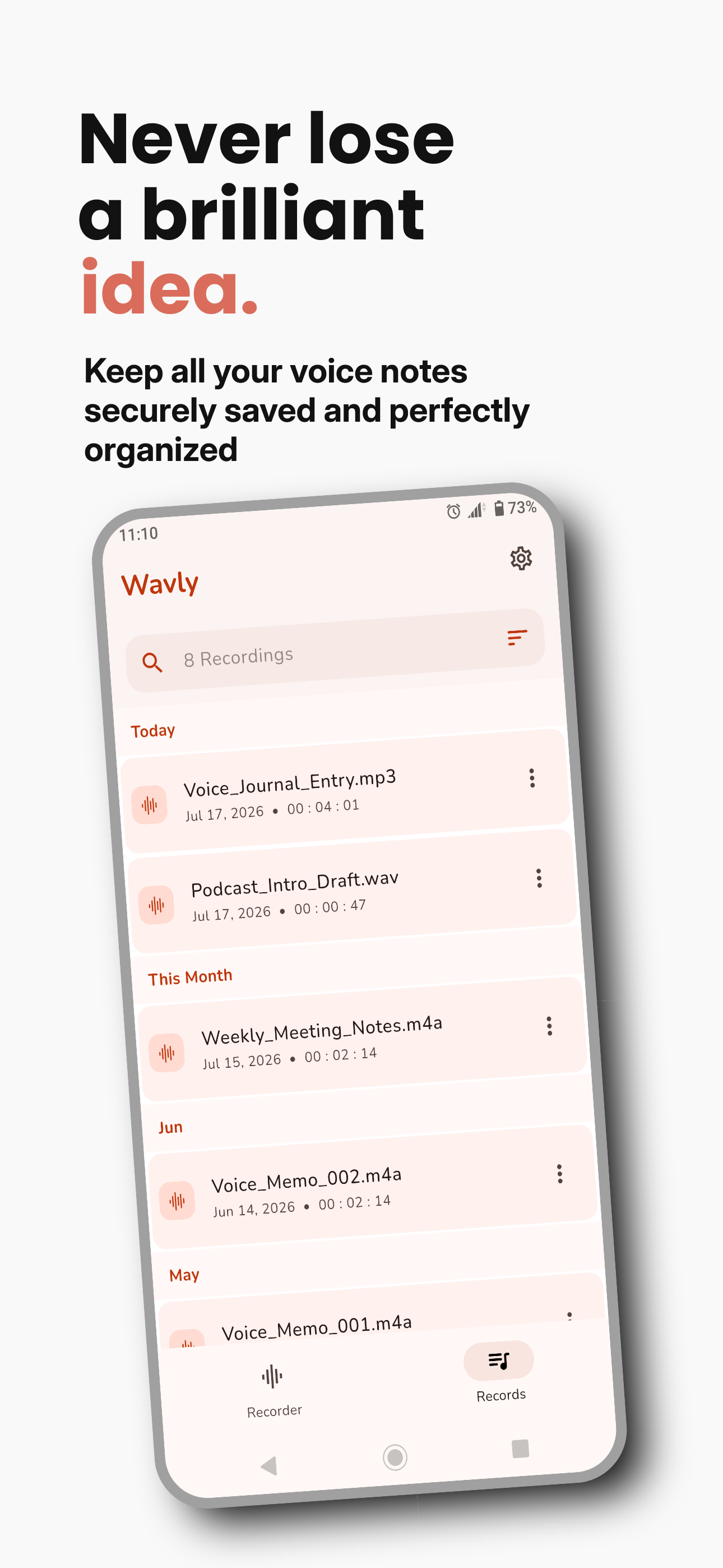
HD Audio Player
Playback and transcript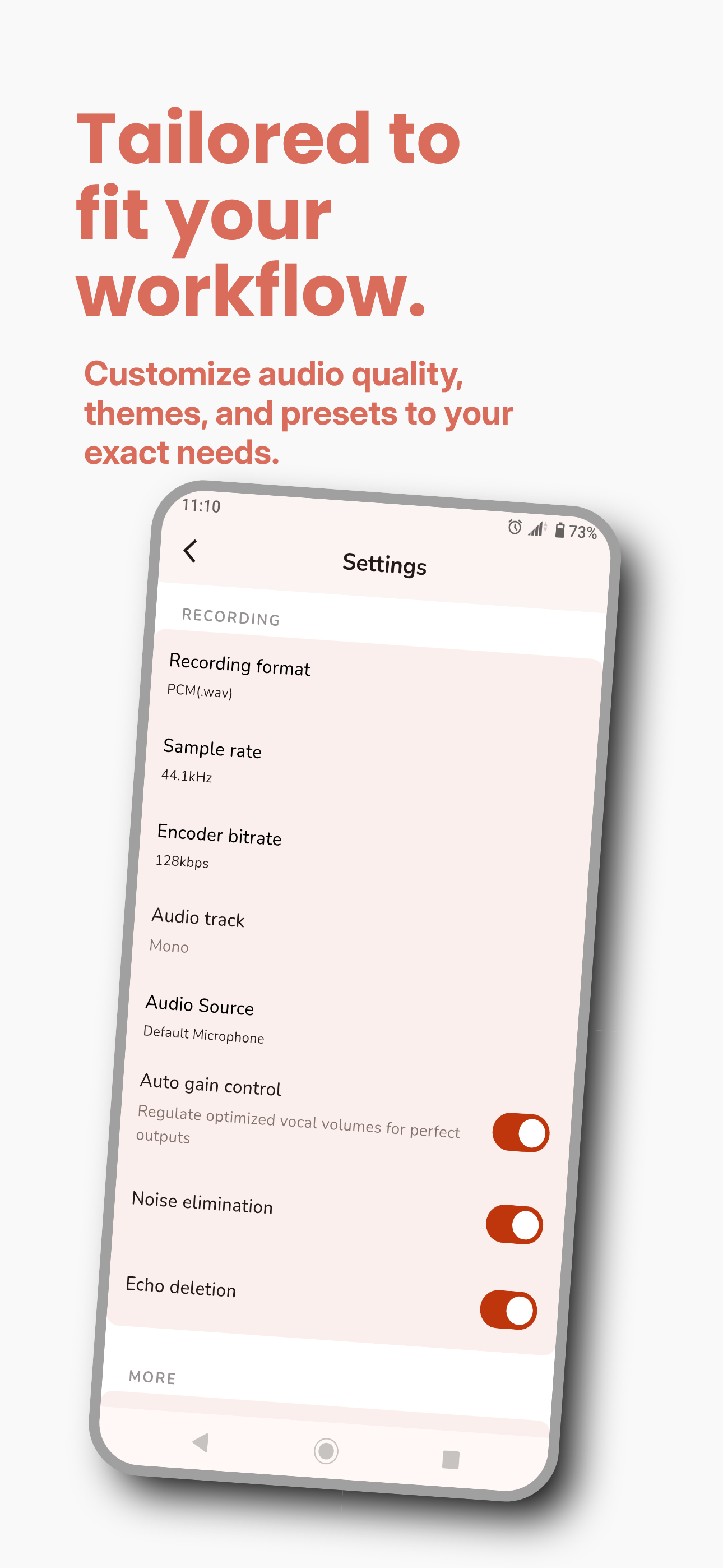
Preferences
Custom audio optionsCommon questions
Short answers that match how the app and Privacy Policy work.
Is recording local?
Yes. Audio stays on the device until you transcribe or turn on Drive.
How does AI work?
You tap Transcribe. Audio is uploaded securely, processed with Google Gemini, then the transcript is saved to your account and cached on the phone.
Do I need an account?
Not for basic record/play. Google Sign-In is required for AI minutes and Drive.
Does the free app have ads?
Yes. Pro removes them.
Who sees my recordings?
Not other users. Processors (Google / Firebase) handle the jobs you start. Details in the Privacy Policy.
Can I delete my data?
Delete files in the app; delete the Drive folder yourself; email the publisher for account/cloud erasure. See the Privacy Policy.
Record it. Read it back as notes.
Download Wavly: AI Voice Notes for Android on Google Play.
Get Wavly on Google Play